|
|
GeoAstro Applets |
Astronomy |
Chaos Game |
Java |
Miscel- laneous |
Physics Quiz |
Who is Who ? |
| To change the
input of the latitude and longitude text fields click into the applet area within the red frame first ! |
|
|
|
Enter
your longitude in decimal
degrees, |
|
|
|
| Date,
Month, Year |
Select
the date, month, and year from the menus. |
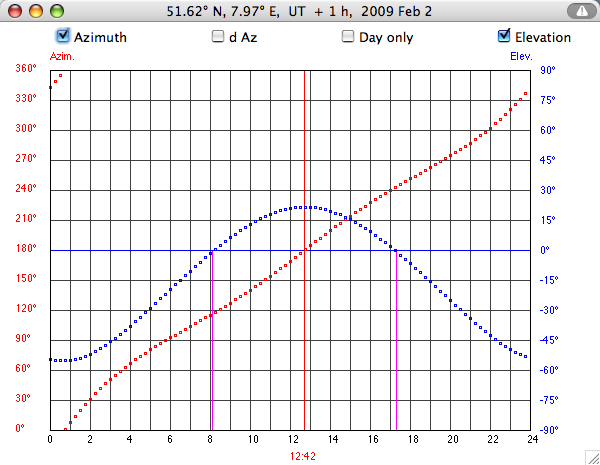
| Hours | Time is
Standard Time without daylight saving time, referring to the data in blue only, not relevant for drawing the disc. |
![]() |
Convert
hexagesimal latitude and longitude (degrees, minutes, seconds) to
decimal degrees. Enter degrees, minutes, and seconds as integers. Use TAB key to proceed to the next input field. |


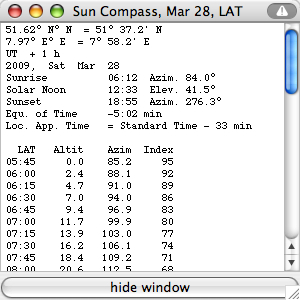
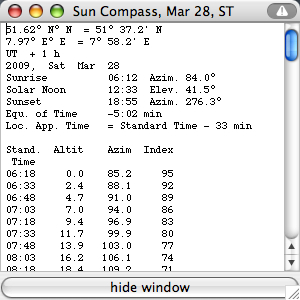
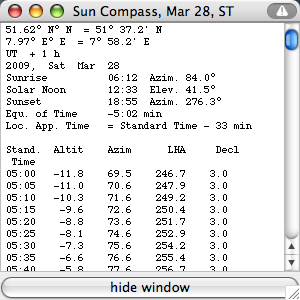
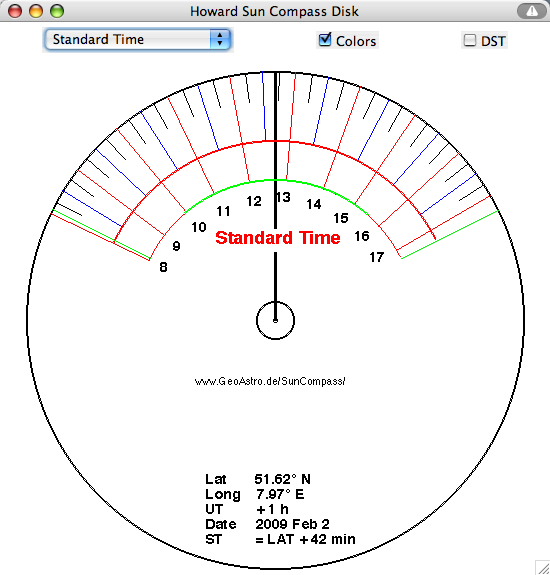
| Local Apparent Time | Standard Time | Standard Time |
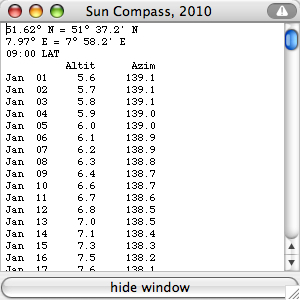
| Azimuth
tables are clockwise (East of North) usually. Thus the azimuth angles
have to be converted to draw the Sun Compass disc using anticlockwise
angles. Instructions to draw the disc 'by
hand'.
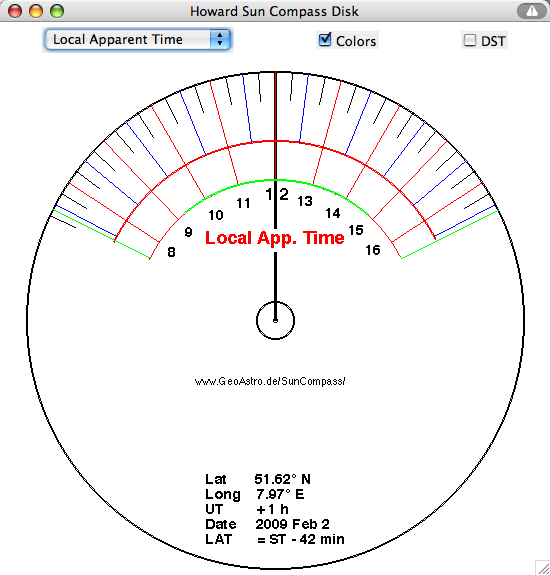
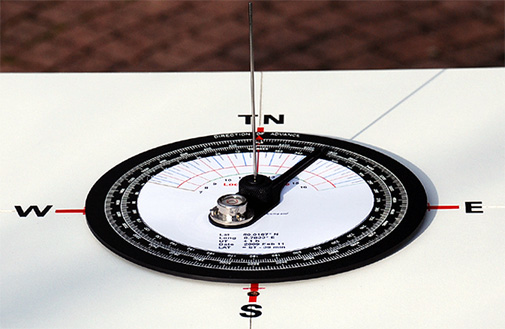
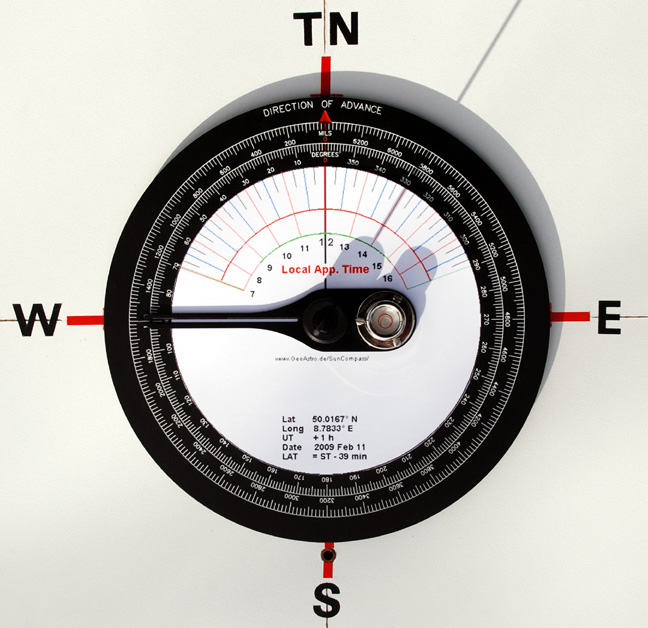
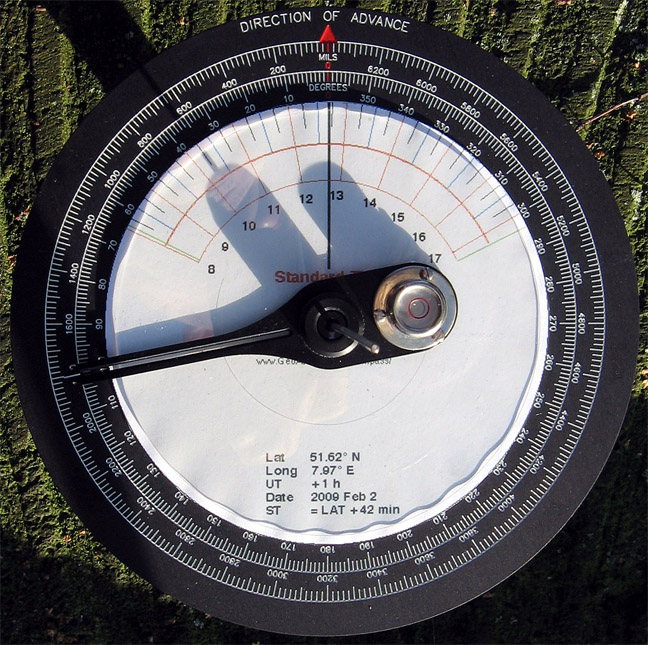
You don't need the table: Press the button "DRAW DISC": The hours are
"Local Apparent Time (LAT)" or true solar time, the shadow pointing
True North at 12:00. It may differ considerably from Standard Time (ST)
of the time zone.
|

| The hours on
the disc above are Local Apparent Time (LAT), which is computed from
Standard
Time (ST) taking into account the longitude
of own position, the longitude of the Standard Time, and the
equation of time (EQT), . The correction (D) is +4 minutes per degree of longitude East of Standard Time, or -4 minutes per degree of longitude West of Standard Time, plus the equation of time (EQT): LAT = ST + D
+ EQT
Example:
For a location at 10° E the longitude of Standard Time is 15° E, thus D=5*(-4min)=-20min. For EQT=-12min, Standard Time 15:00, the Local Apparent Time is: LAT = 15:00 -
00:20 - 00:12 = 14:28
|